

Argento Stripes uses a 1column layout for the product page. Follow our customization guide to learn how to change Magento 2 layout. You can also use Product page Builder in Theme Editor to update the Argento Stripes product page layout.
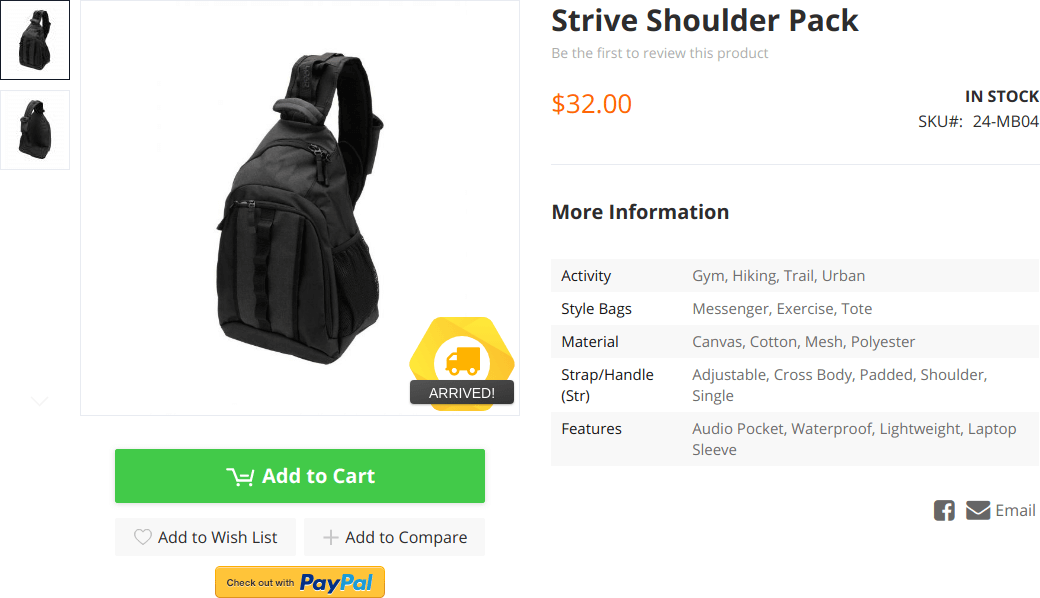
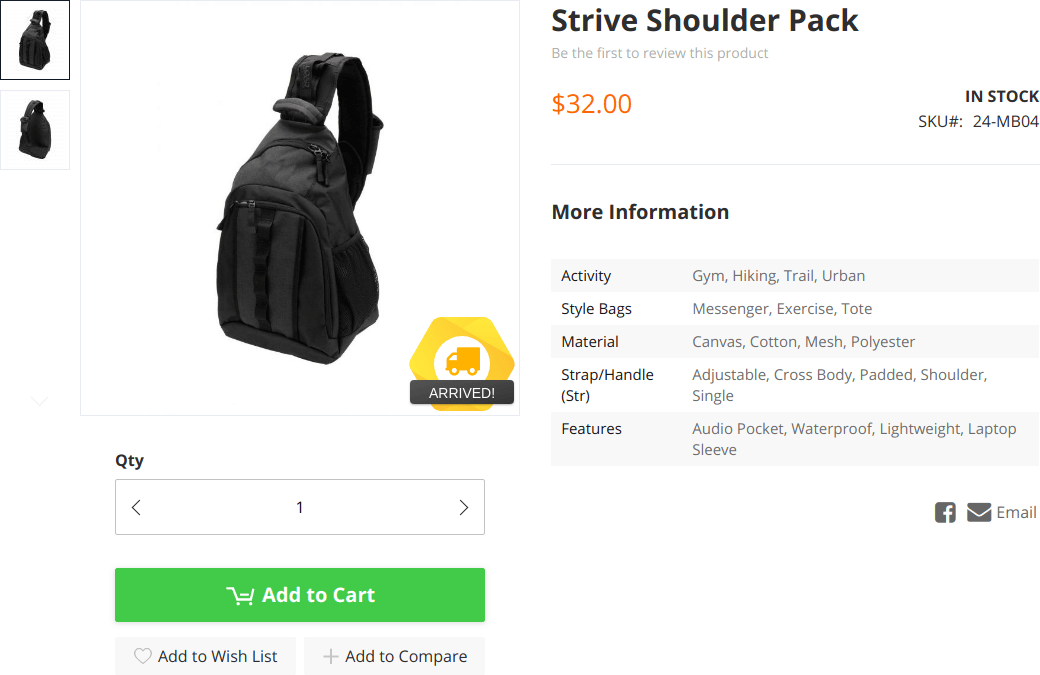
The quantity field is hidden on Stripes product page by default. Yet you can still make it visible.
There are two ways:
content_copy.box-tocart .field.qty { display: block; }
content_copy@product-qty-field__hide: false;
As a result, you will enable the quantity field. That will allow users to change the product quantity on the product page.
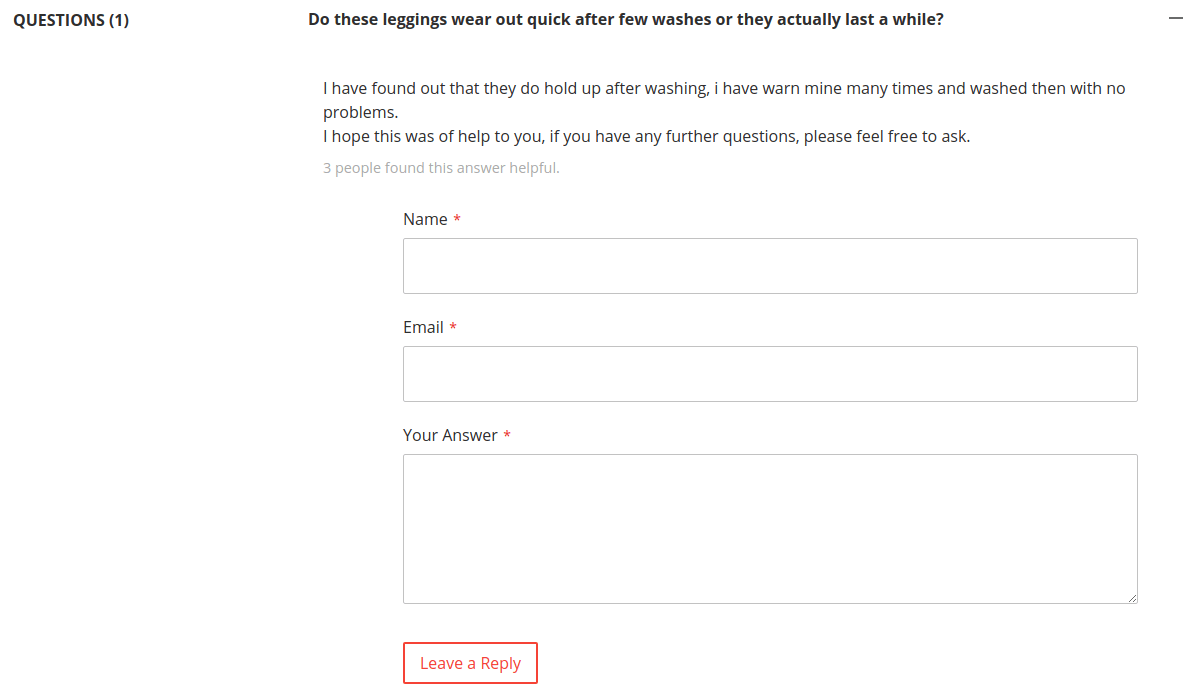
The product questions block is powered by Askit module. Visit the module page to learn more.
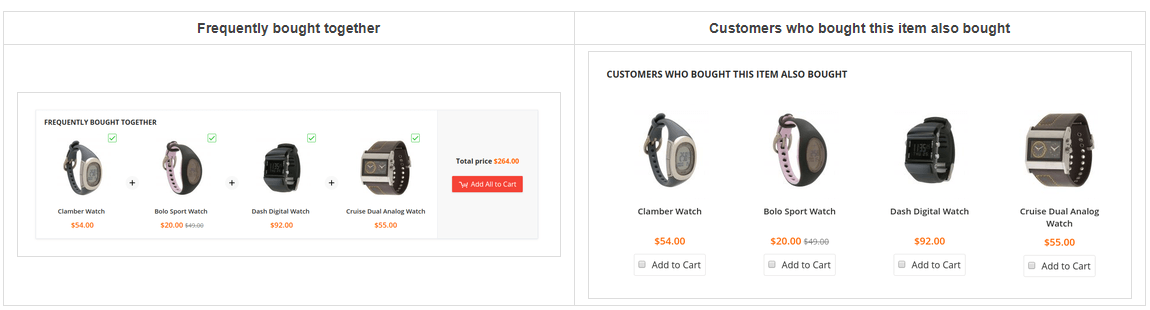
You can customize these blocks at Stores > Configuration > Swissup > SoldTogether section. The blocks are powered by Sold Together module. Visit the module page to learn more.
This website uses cookies to improve your experience. By clicking “Deny”, you consent to the use of Necessary cookies only. You may also accept selected cookies only.