

Argento Flat uses 2columns-right layout for the product page. Follow our customization guide to learn how to change Magento 2 layout. You can also use Product page Builder in Theme Editor to change the Argento Flat product page layout.
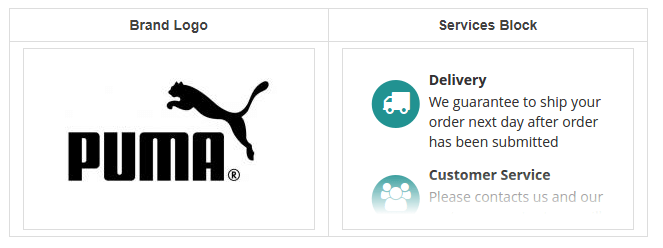
Argento uses the Attribute page module to show the brand logo. So, first, you need to set up the Attribute page extension:
<div class="block block-product-sidebar">
    {{widget type="Swissup\Attributepages\Block\Product\Option" attribute_code="brand" css_class="hidden-label a-center" use_link="1" use_image="1" image_type="image" width="200" height="120" block_template="Swissup_Attributepages::product/options.phtml"}}
    {{widget type="Magento\Cms\Block\Widget\Block" template="widget/static_block/default.phtml" block_id="services_sidebar"}}
</div>
Services sidebar block is a simple CMS block powered by FontAwesome icons.
You can edit this block at Content > Static Blocks > services_sidebar.
<div class="block block-services-sidebar">
    <div class="block-title"><strong>Our Services</strong></div>
    <div class="block-content">
        <div class="icon-section section-delivery">
            <span class="fa-stack fa-2x icon">
                <i class="fa fa-circle fa-stack-2x"></i>
                <i class="fa fa-truck fa-stack-1x fa-inverse"></i>
            </span>
            <div class="section-info">
                <div class="h4 section-title">Delivery</div>
                <p>We guarantee to ship your order next day after order has been submitted</p>
            </div>
        </div>
        <div class="icon-section section-customer-service">
            <span class="fa-stack fa-2x icon">
                <i class="fa fa-circle fa-stack-2x"></i>
                <i class="fa fa-users fa-stack-1x fa-inverse"></i>
            </span>
            <div class="section-info">
                <div class="h4 section-title">Customer Service</div>
                <p>Please contacts us and our customer service team will answer all your questions</p>
            </div>
        </div>
        <div class="icon-section section-returns">
            <span class="fa-stack fa-2x icon">
                <i class="fa fa-circle fa-stack-2x"></i>
                <i class="fa fa-reply fa-stack-1x fa-inverse"></i>
            </span>
            <div class="section-info">
                <div class="h4 section-title">Easy Returns</div>
                <p>If you are not satisfied with your order - send it back within  30 days after day of purchase!</p>
            </div>
        </div>
    </div>
</div>
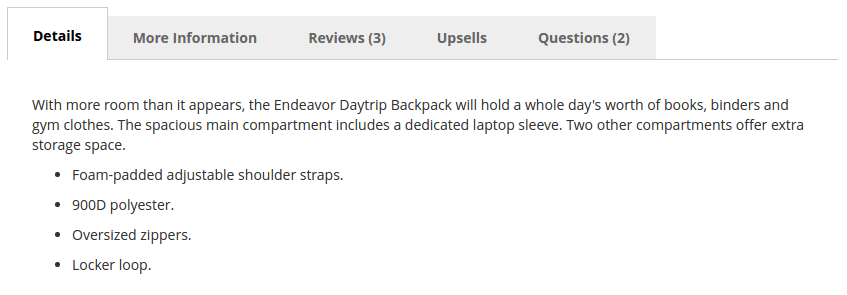
Argento tabs are powered by EasyTabs module. Visit the extension page to learn more.
It is possible to add or remove additional tabs from Swissup > EasyTabs page.
You can see the following tabs enabled by default:
Note: the Questions tab is powered by Ask It module that is a part of the Argento theme.
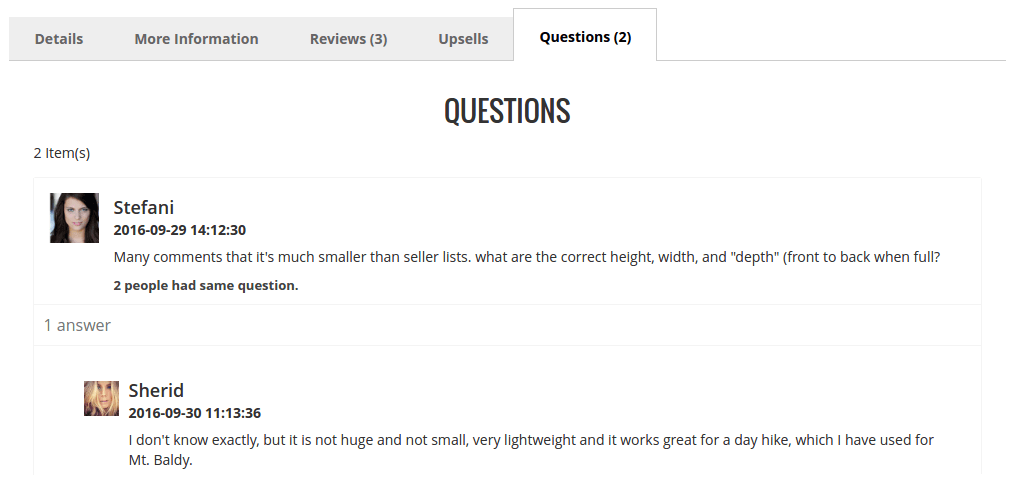
The product questions block is powered by Askit module. Visit the module page to learn more.
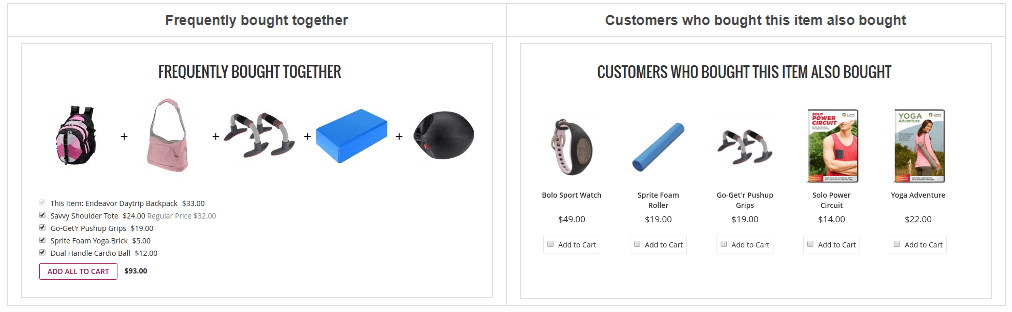
You can see Frequently bought together and Customers who bought this item also bought blocks. You can customize these blocks at Stores > Configuration > Swissup > SoldTogether section. The module is a part of all Argento themes. Visit the extension page to learn more.
This website uses cookies to improve your experience. By clicking “Deny”, you consent to the use of Necessary cookies only. You may also accept selected cookies only.