

All Argento themes include Theme Editor. It allows for editing your Magento 2 template with ease. The Editor is a quick way to change styles, layout, buttons, fonts, colors with minimum CSS knowledge.
Theme Editor is located at Magento Admin > Stores > Configuration > Swissup > Themes Editor. To edit every separate Argento design, you have to select a required design (Home, Stripes, Force, Luxury, Mall, Essence, Flat, Pure 2). So you will get access to custom settings.
Here we show you possible elements available for customization by the Argento theme. They are common to all Argento designs.
Right here you can:
See the example
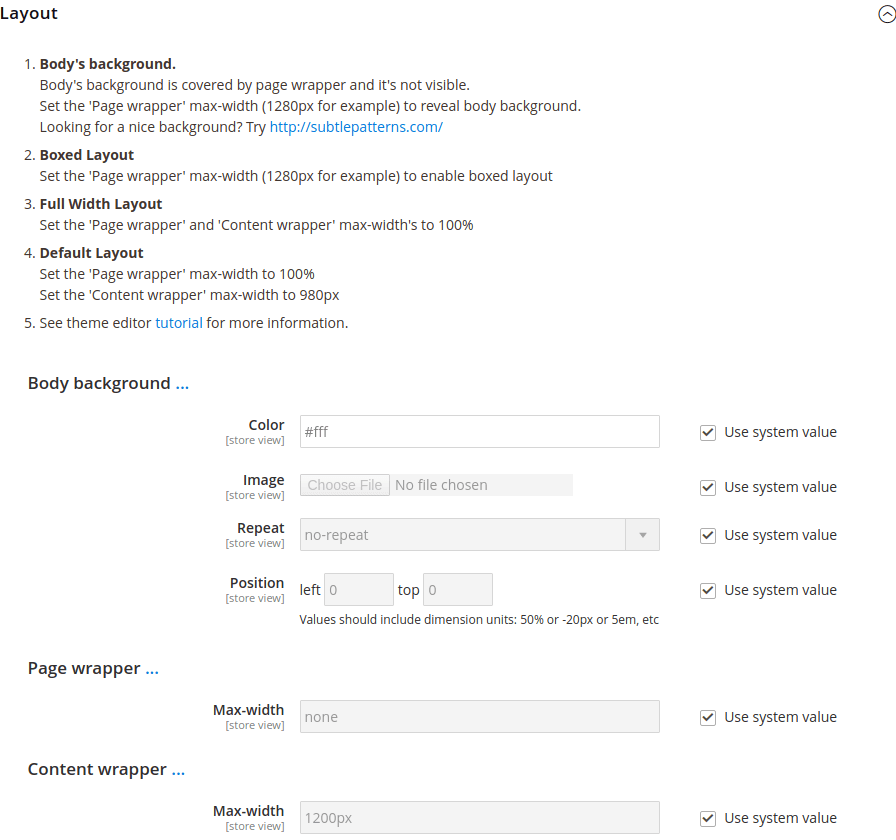
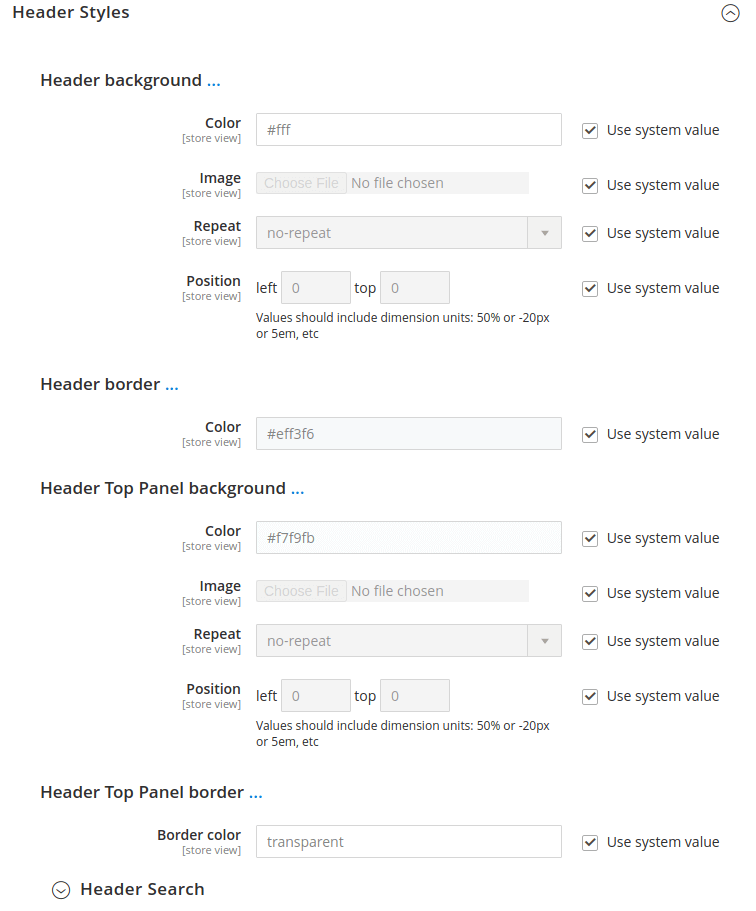
To customize the header layout according to your demands, please use the Header Builder included in all Argento themes. In the Header Styles section below you may change the background and border values.
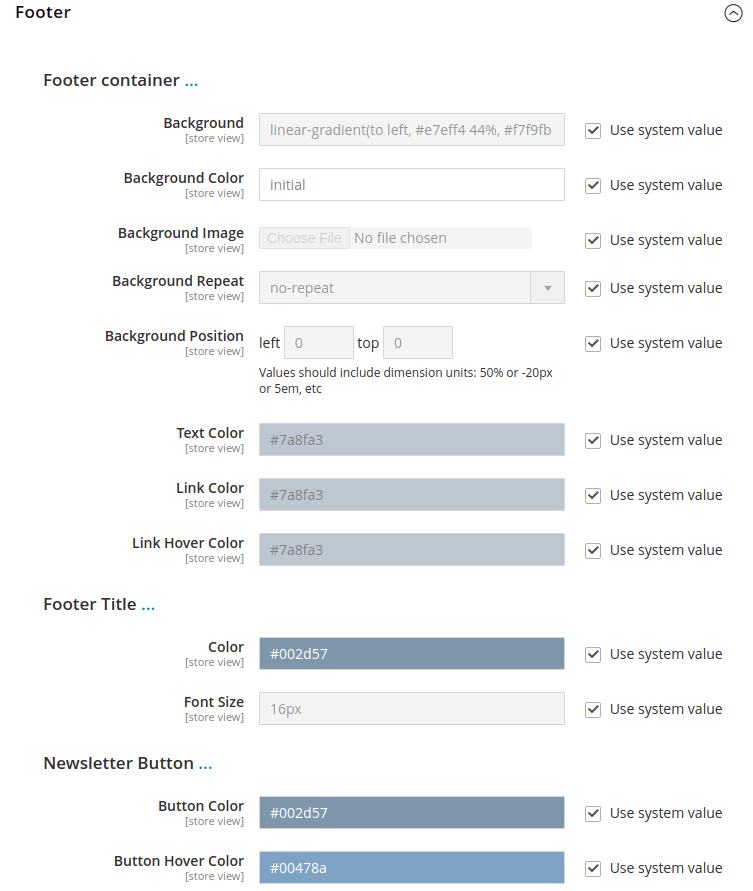
The Footer section allows you to change the background, colors, and newsletter subscription form.
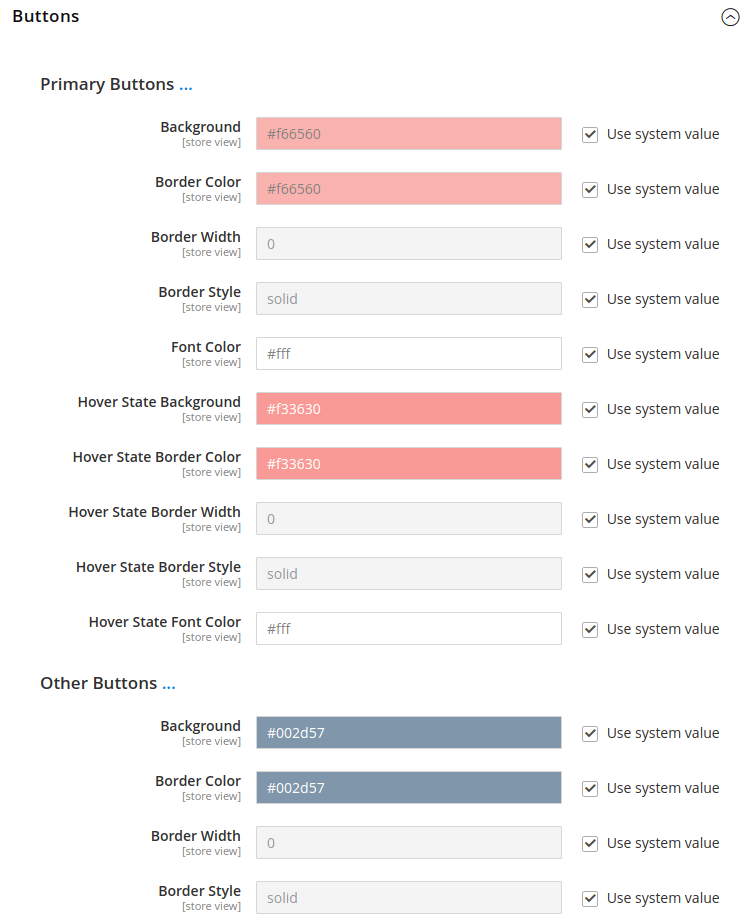
Theme Editor allows for customizing the primary and secondary buttons colors of your theme. You can also use a separate subsection to customize the “Add to Cart” buttons.
The section helps you to change font and color for page titles and block titles. It is possible to change the color of the final price on the product page.
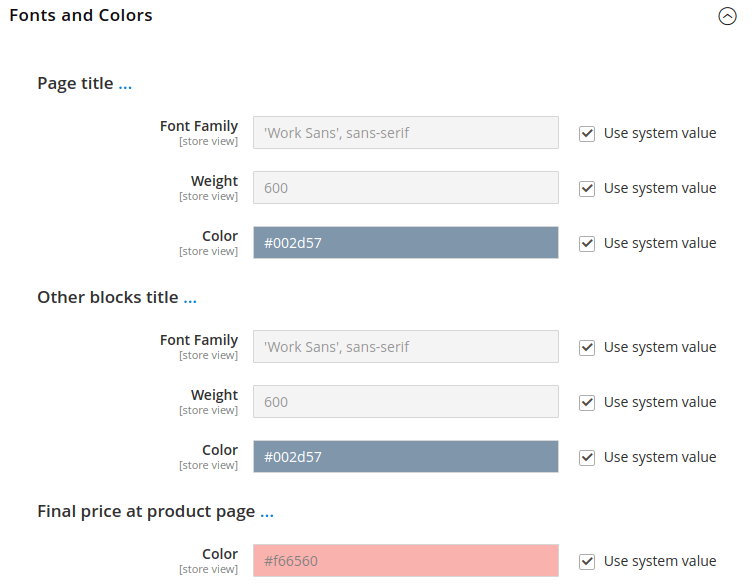
To customize the catalog page layout according to your demands, please use the Category Page Builder included in all Argento themes.
To customize the product page layout according to your demands, please use the Product Page Builder included in all Argento themes.
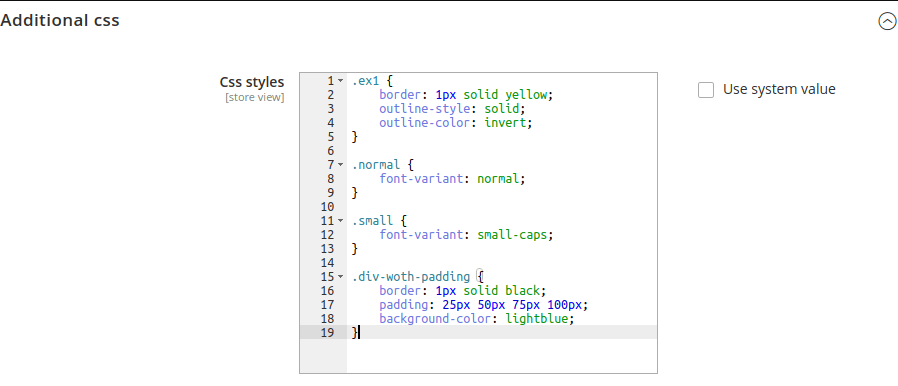
Use this section to add any other specific styles.
Here you can see an example. On the left side, you can see the Stripes theme with default colors. Then on the right side, there is a customized color scheme.

This website uses cookies to improve your experience. By clicking “Deny”, you consent to the use of Necessary cookies only. You may also accept selected cookies only.